Make it look and work the way you like.
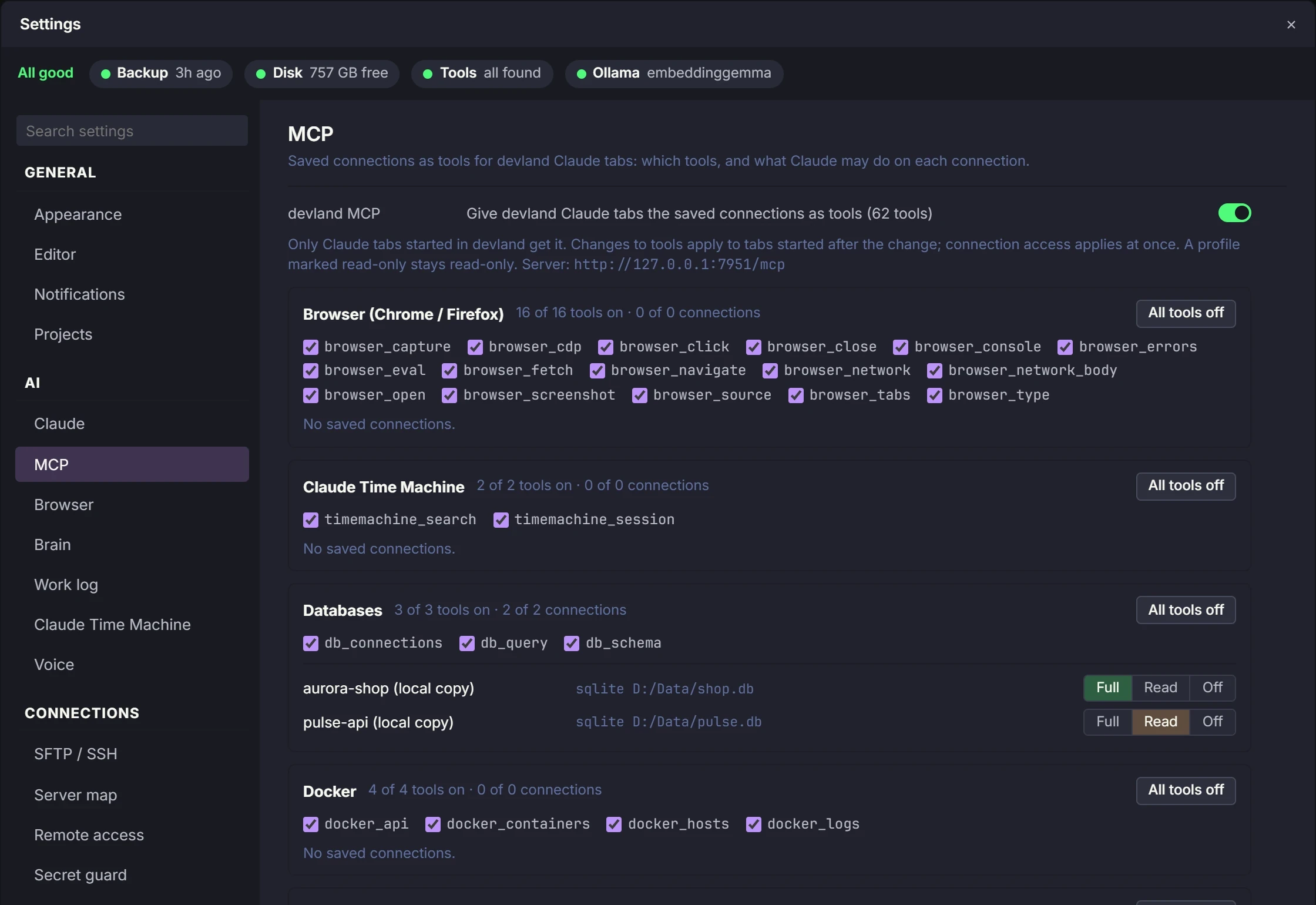
DevLand is made for people who use it all day. Pick a theme or make your own. Choose what Claude may touch. Add plugins for the tools your team uses. Updates install by themselves.
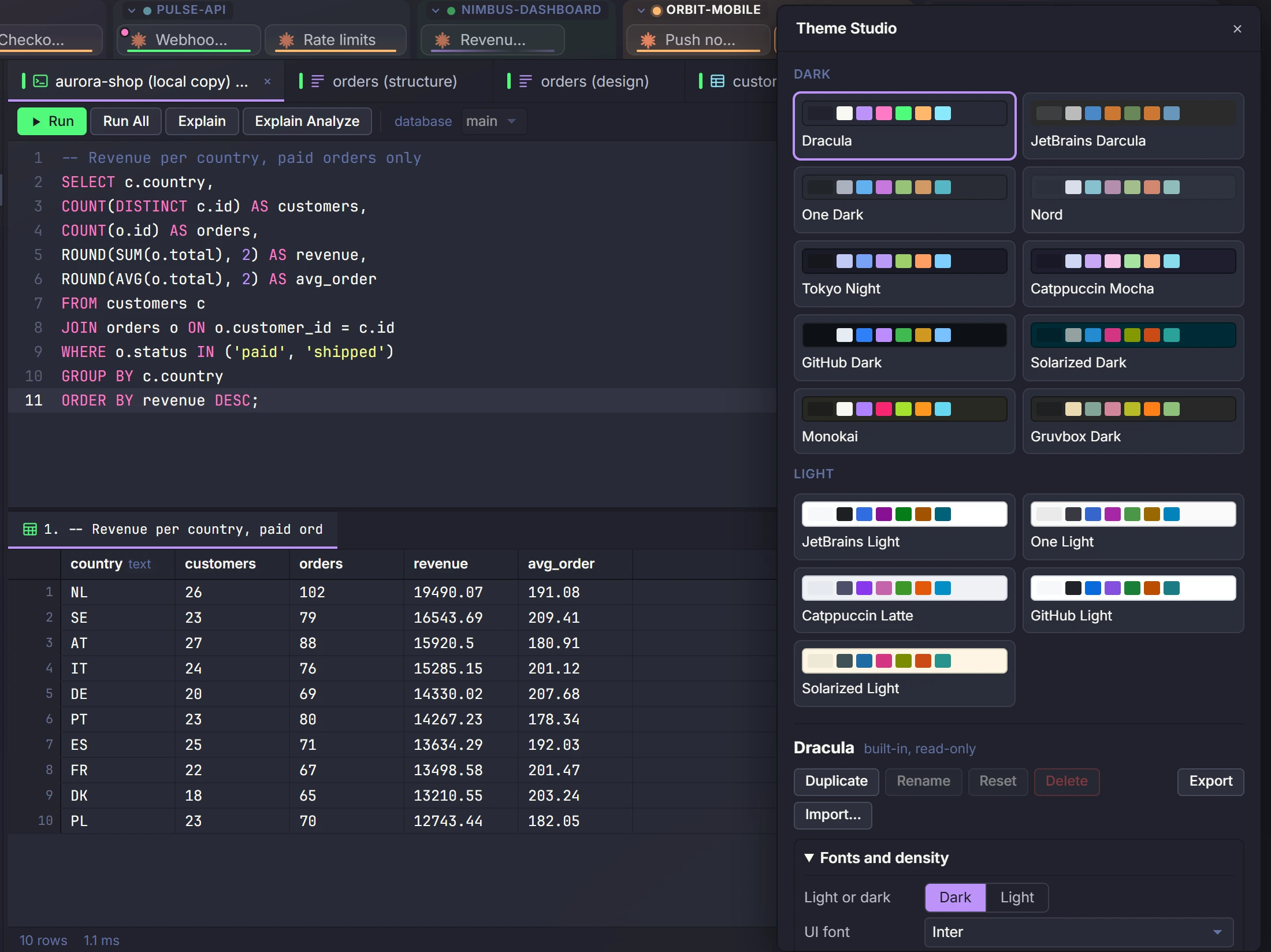
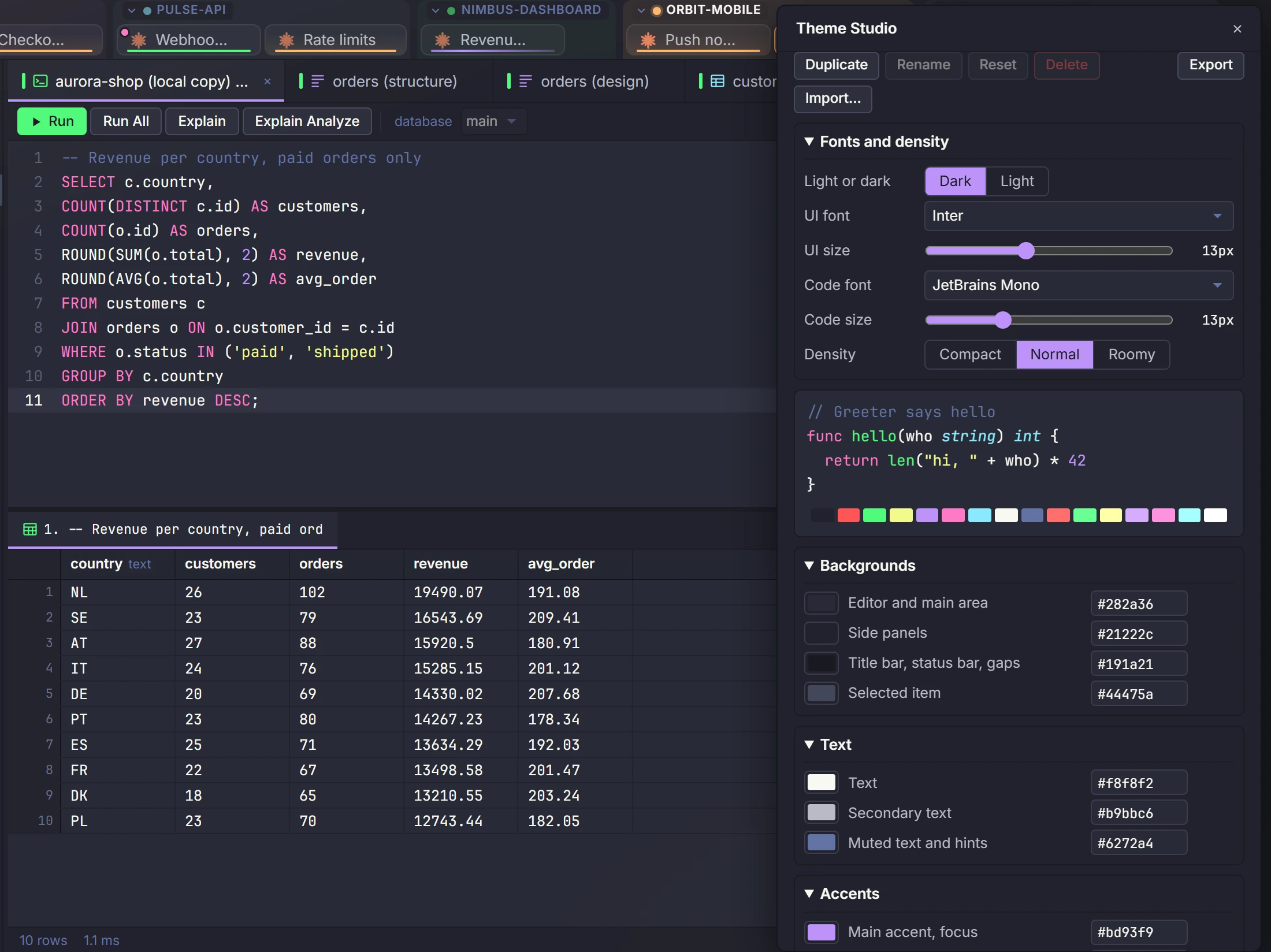
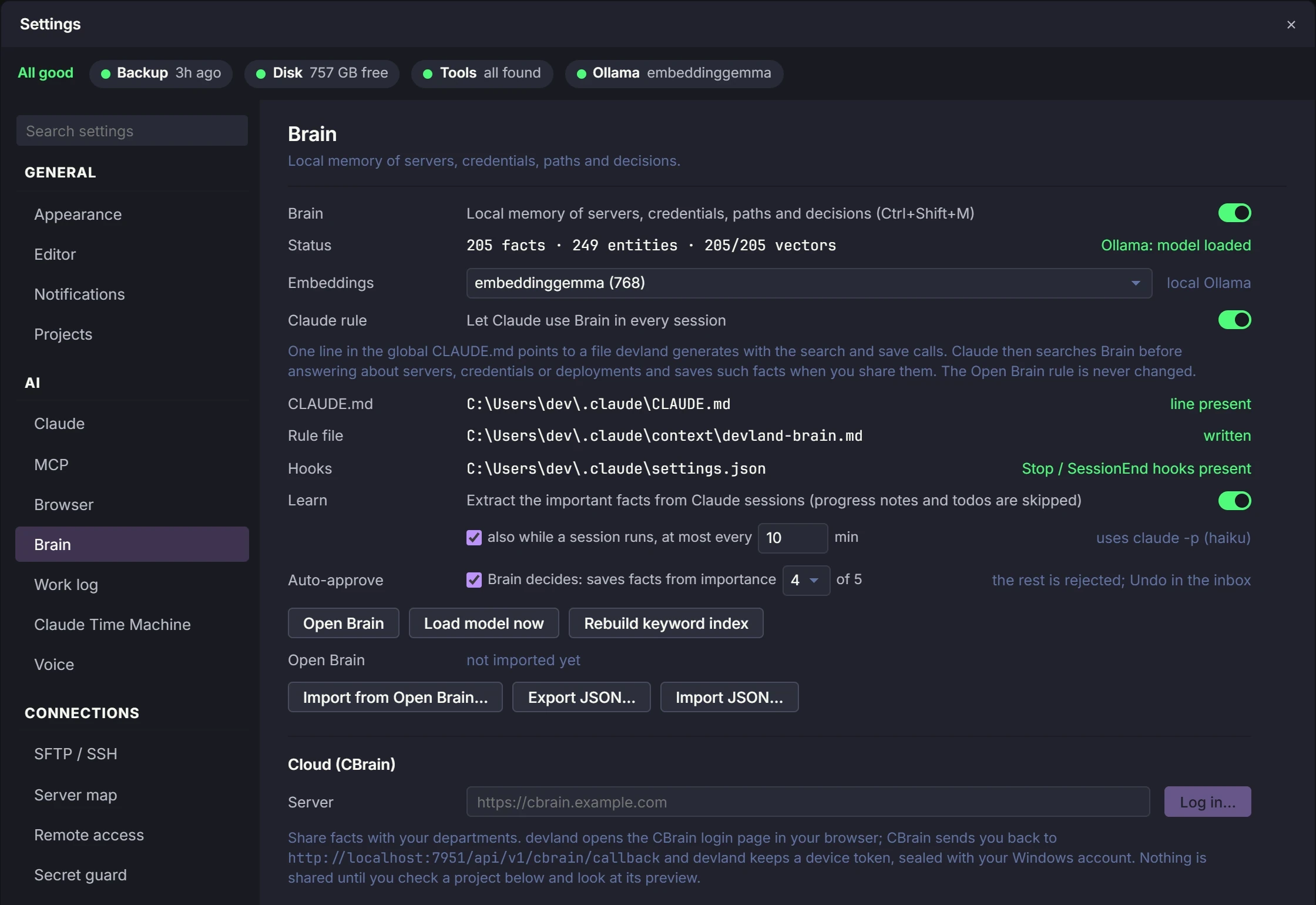
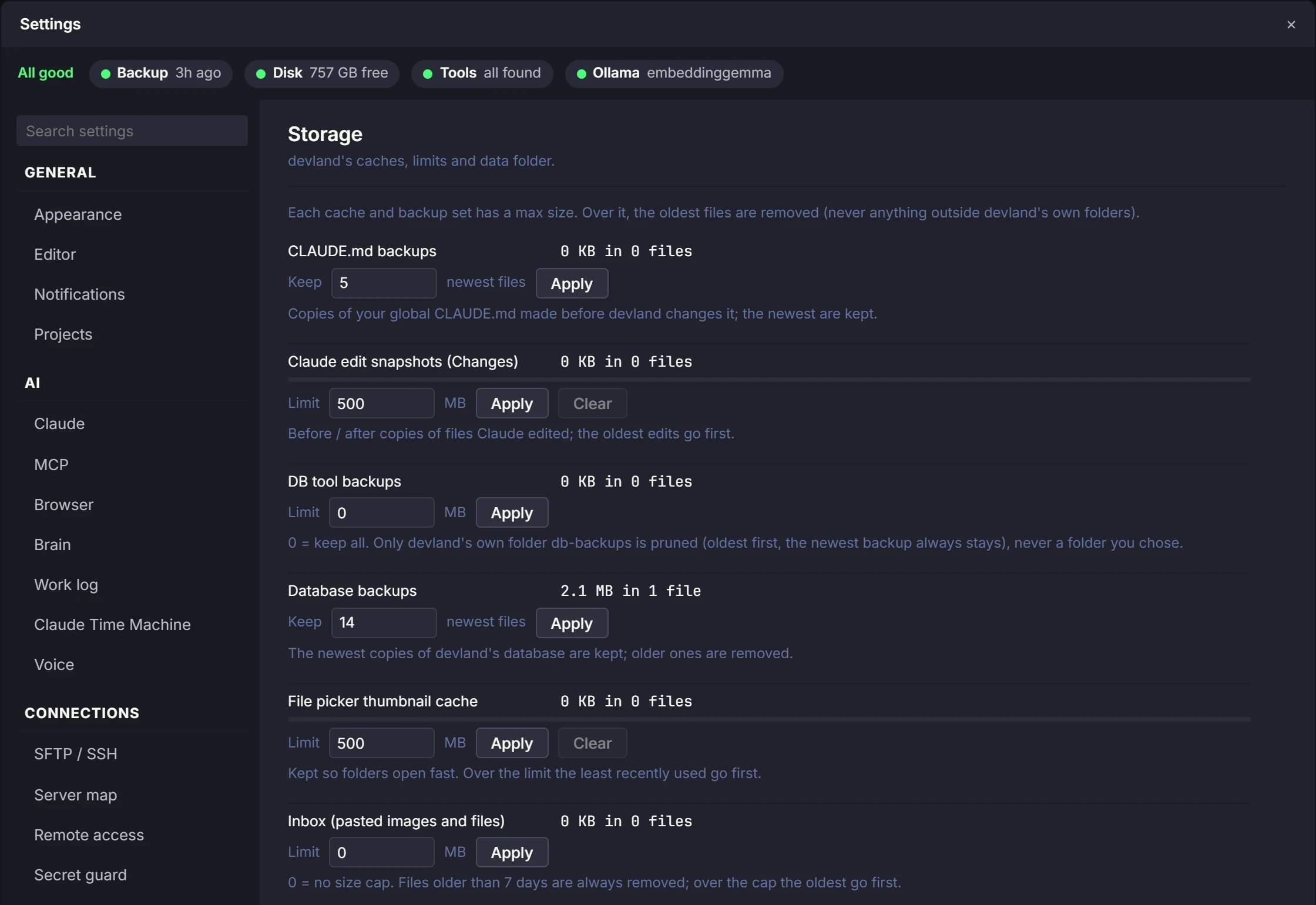
Settings that matter
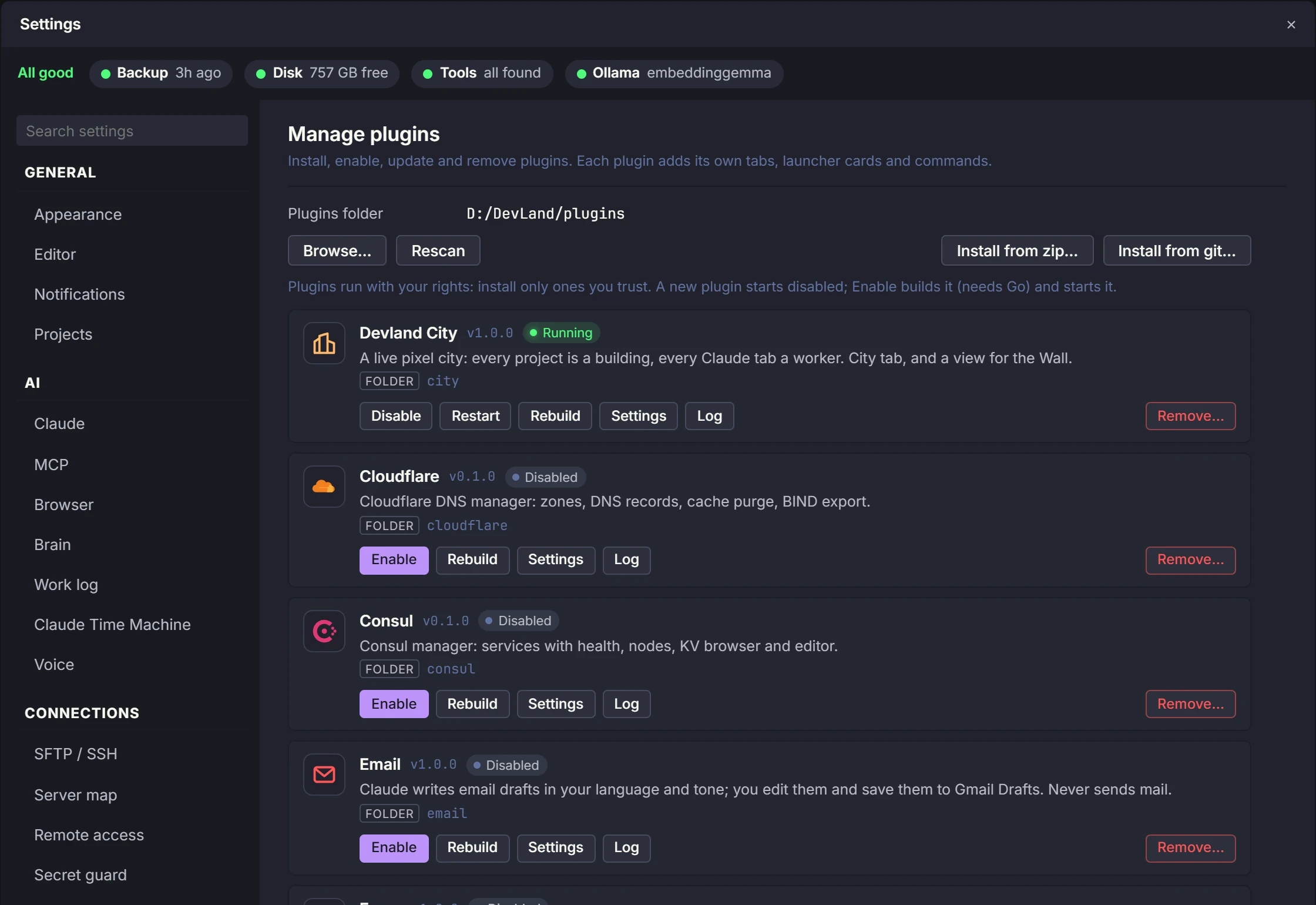
Ready-made plugins
A plugin adds new screens to DevLand, and the code that runs behind them. Use these, or write your own in Go with the plugin kit.
Devland City
All your projects and Claude tabs, shown as a moving pixel city.
Brain Galaxy
Your Brain shown as a 3D space you can fly through.
Wall
Watch every Claude tab live on a second screen.
Nomad
See the jobs on your Nomad cluster, where they run, and their logs.
TeamCity
See builds, the queue and build logs. Start a build.
Consul
See your services and if they are healthy, your nodes, and the key-value store.
Cloudflare
Manage domains and DNS records, clear the cache, and export records to a BIND file.
Email drafts
AI writes the email in the tone and language you pick, and saves it to your Gmail drafts.
Self-updating
New versions download, get checked and tested, and install by themselves. If something fails, DevLand goes back to the old version.
Project settings
Team settings are saved in the repo. Your own settings stay on your computer.
Backups
DevLand backs up its own data every day. You can restore it from Settings.
MCP servers and skills
Turn each MCP server and skill on or off, and install new ones in one click from a catalog, the official MCP list or Anthropic's skills.
Layout presets
Switch the whole window between Coding, Review and Ops layouts, or save your own.
Git follow and branch rules
Choose per project whether DevLand pulls new commits by itself, and which branches need a confirm before a commit.
Your workspace, your way
Every setting starts with a good default. Change only what you want.
Request early access