Claude is waiting? Answer from the couch.
The DevLand app for Android and iOS shows every Claude session on your PC, live. When one needs you, your phone buzzes. Read the question, tap an answer, and Claude keeps going.
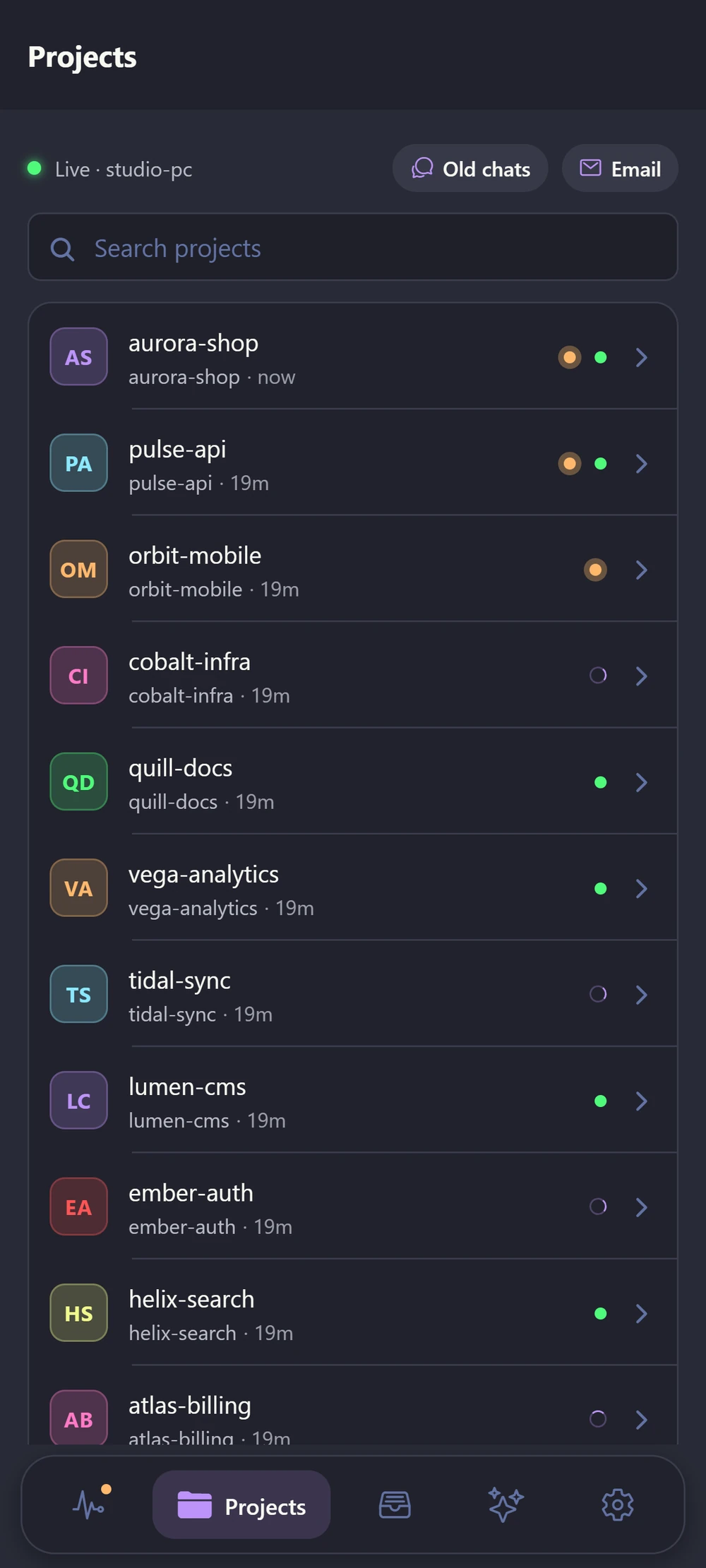
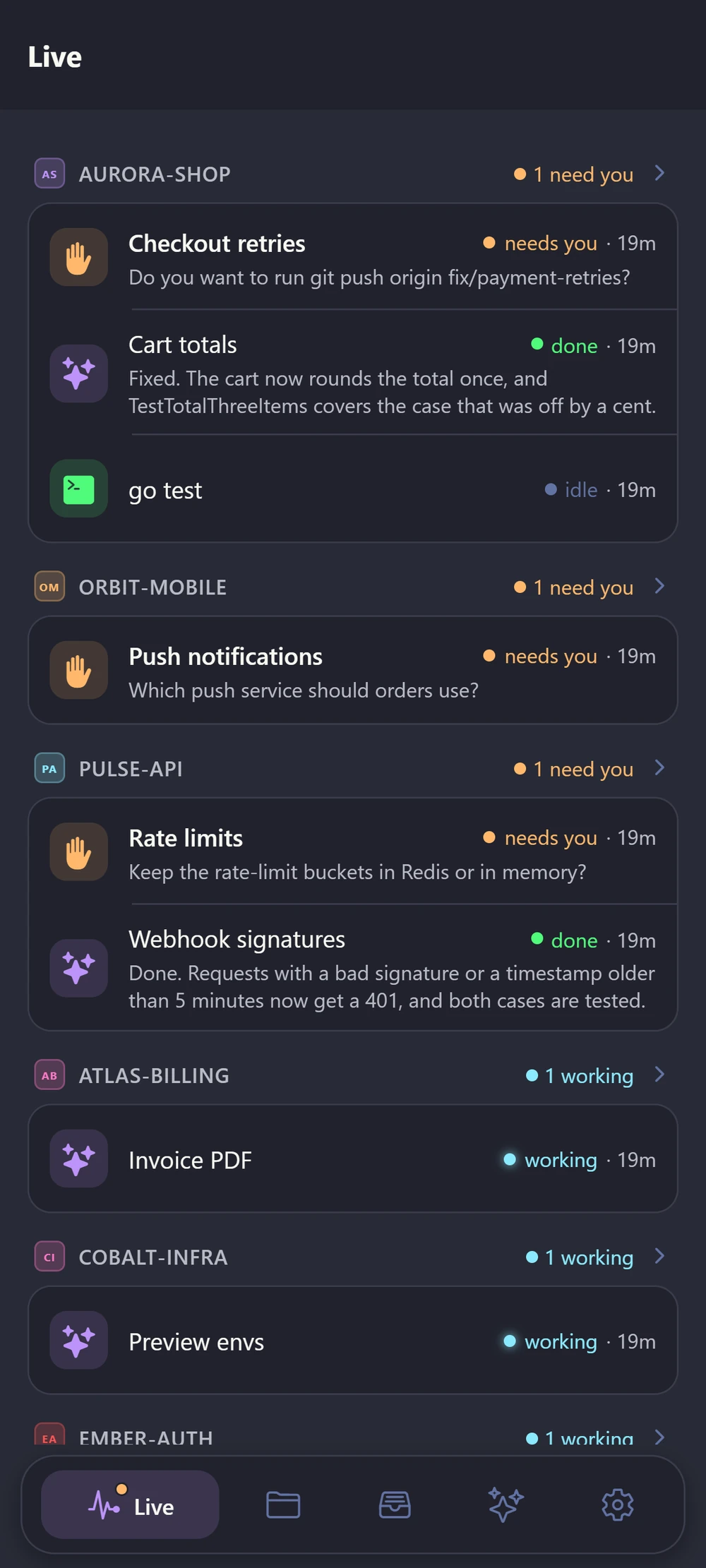
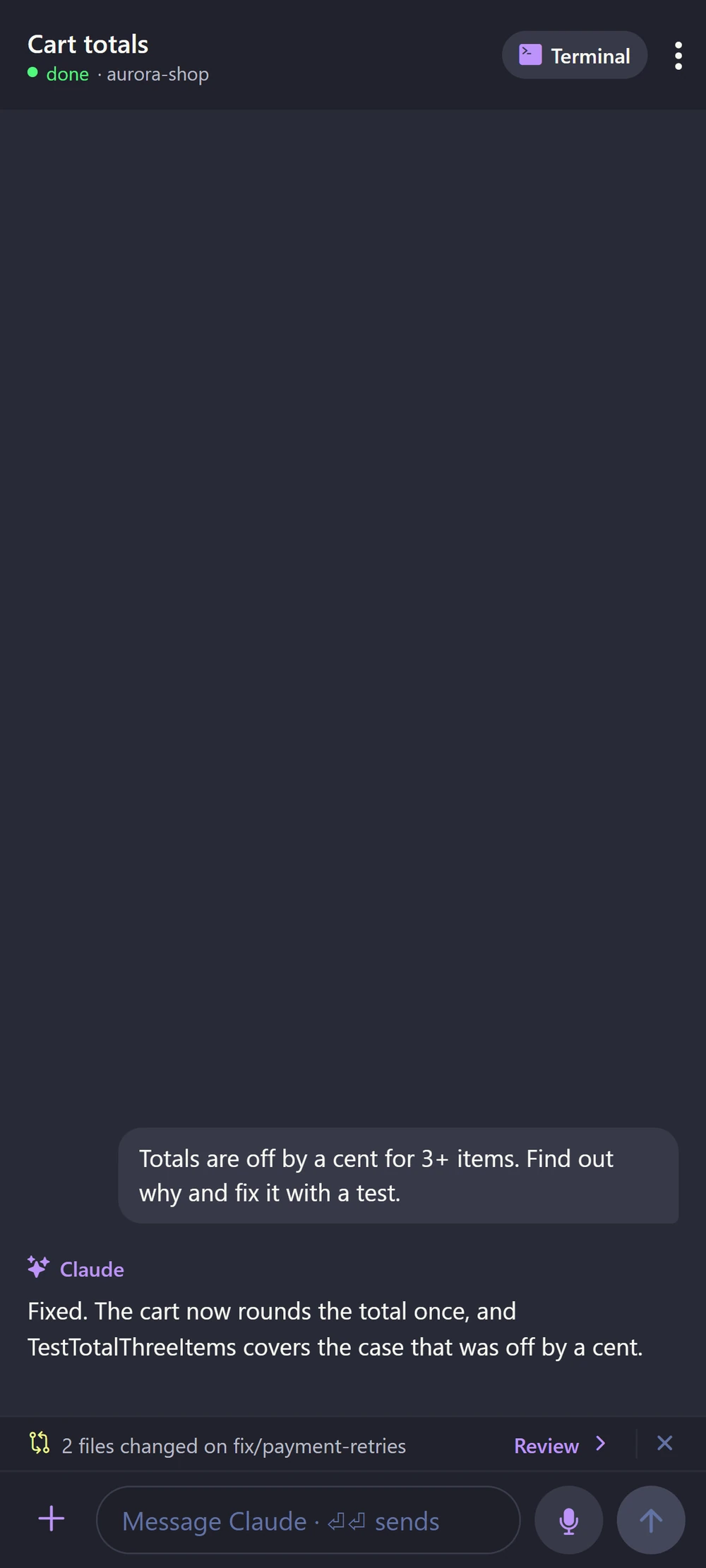
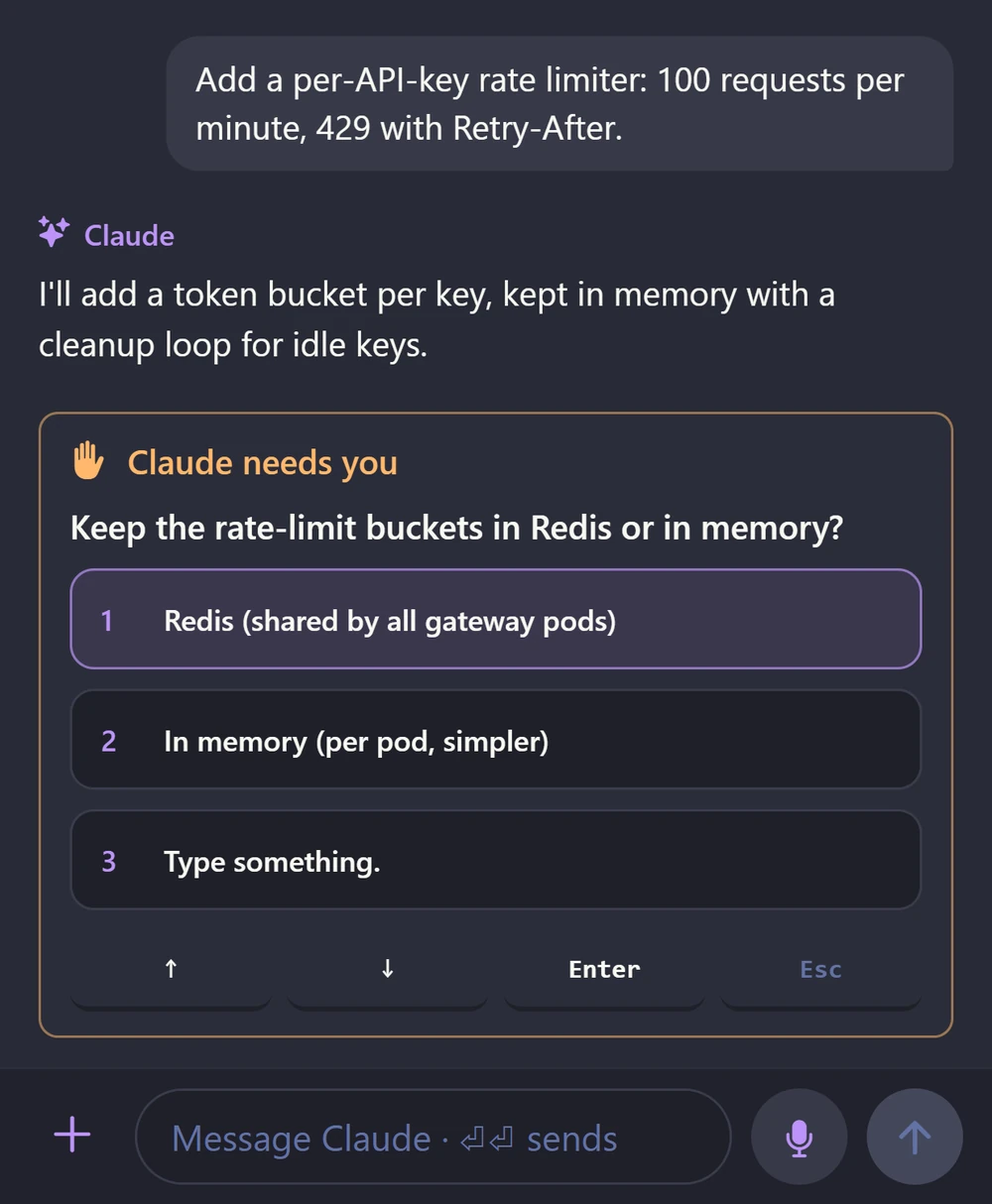
See the question, tap the answer
When Claude asks for permission or gives you choices, the phone shows them as buttons. Tap one, or type your own answer. If there are several questions, you get them one at a time.
- Your phone buzzes the moment a tab needs you
- On Android, a quiet note in the top bar says "2 working · 1 needs you"
- The chat view shows your prompts and Claude's answers
Start a task while you walk
Open a new Claude tab in any project and say the task out loud. You can run it in a fresh worktree if you like. Or open a terminal and type yourself. The app has extra keys for Esc, Tab, arrows and Ctrl.
Files, diffs and git in your pocket
Browse the project, read and edit files, and see exactly what Claude changed. Then commit and push. If a file changed on your PC in the meantime, the app asks before it saves over it.
Browse, view and edit.
Every change Claude made.
Search DevLand's memory, or ask in plain words.
Colour, branch rules, archive.
Your phone talks to your PC, not to a cloud
Scan once
Turn on phone access in DevLand's settings and scan the QR code with your phone. The phone keeps the key in its secure storage.
Home or away
On your home Wi-Fi, the phone connects straight to your PC. Away from home, use Tailscale or your own VPN.
Other PCs too
Set a password, then open DevLand in a browser on another computer. You get the same live view.
Never miss a waiting Claude again
The phone app comes with your DevLand invite.
Request early access